Open your laptop and count the apps you used before noon. Three of them: a document editor, a messaging tool, and a task board, fall under a category most people never stop to name. That category is productivity software. In 2026, it quietly runs the infrastructure of how the world’s knowledge workers get things done.
This guide answers what productivity software is completely, the definition, every major category and type, real-world productivity software examples from actual teams, and how adoption differs across the United States, France, Germany, and other English-speaking markets in 2026.
What Is Productivity Software? The Complete Definition
Productivity software is any digital application whose primary purpose is to help people work more effectively, faster, and more accurately, with fewer dropped balls. The category is deliberately broad. A basic spell-checker qualifies. So does an enterprise AI platform that summarizes board meetings and drafts follow-up action plans automatically.
The clearest boundary: productivity software deals with the act of working, writing, planning, communicating, tracking, and creating. It is distinct from the systems managing operations, finances, or supply chains beneath that work. ERP platforms, CRM databases, and accounting software, those are business software. Productivity software is what knowledge workers touch a hundred times a day to produce output.
Where It Came From
The story begins in 1979 with VisiCalc, the first spreadsheet, running on an Apple II. It lets non-programmers build financial models that update instantly when one number changes. Finance departments started buying Apple IIs just to run them. That single application is widely credited with driving early personal computer adoption in business. WordStar followed with word processing. Lotus 1-2-3 refined the spreadsheet. By the late 1980s, document creation and data analysis were the twin pillars of office productivity software, a structure that still holds in 2026, even as everything built on top of it has transformed.
The 2026 Market in Numbers
The global business productivity software market stood at USD 110.36 billion in 2026, per Mordor Intelligence, projected to reach USD 195.56 billion by 2031 at a 12.12 percent CAGR. The United States generated USD 41.62 billion of that total in 2025, making it the world’s largest national market by a wide margin. Over 1.13 million companies worldwide run at least one productivity platform, with 979,868 based in the United States. Slack leads the standalone market share at 29.19 percent, ahead of Microsoft Office 365 at 24.31 percent and Google Docs at 9.73 percent.
Types of Productivity Software: Every Category Explained
Productivity software is not one thing; it is five distinct categories of tools that overlap, integrate, and are increasingly bundled together. Each solves a different problem.
Type 01: Communication Software
Before any work gets done, people need to talk. Email handles formal, asynchronous, record-keeping communication. Instant messaging platforms, such as Slack and Microsoft Teams, own the real-time informal layer. Video conferencing, after 2020, stopped being optional for anyone with colleagues in different cities.
Key tools:
• Email: Gmail, Outlook, Apple Mail
• Instant messaging: Slack (29.19% market share), Microsoft Teams
• Video conferencing: Zoom, Google Meet, Webex
• Intranets: Confluence, SharePoint, Notion
Type 02: Collaboration Software
Communication is about talking. Collaboration is about building something together. Centralized, version-controlled, accessible-from-anywhere file management and co-editing tools solve the problem that 86 percent of employees say matters most: information accessibility across the organization. That statistic comes from Harvard Business Review research. The problem is structural; collaboration software is its structural solution.
Key tools:
• Cloud file storage: Google Drive, Microsoft OneDrive, Dropbox
• Co-editing platforms: Google Docs, Microsoft Word Online
• Digital whiteboards: Miro, FigJam, Microsoft Whiteboard
• Knowledge bases: Confluence, Guru, Tettra
Type 03: Task and Project Management Software
Between ‘we agreed on what needs to happen’ and ‘it actually happened’ is a gap that kills more projects than bad strategy does. Project management software fills its tracking tasks, assigning ownership, setting deadlines, and flagging blockers. Asana, Monday.com, Jira, Trello, and ClickUp each approach this differently. Jira is built for engineering sprints. Trello is card-based and visual. Monday.com leans toward flexibility. None is objectively best; the right one depends on how your team thinks about work.
Key tools:
• Project management: Asana, Monday.com, Jira, ClickUp
• Simple task management: Trello, Todoist, Microsoft To Do
• Scheduling: Google Calendar, Outlook Calendar, Calendly
• Time tracking: Toggl Track, Harvest, Clockify
Type 04: Office and Content Creation Software
This is where productivity software started. Word processors, spreadsheets, presentation tools, and the creation layer that turns thinking into shareable output. Microsoft Office has dominated enterprise content creation for three decades. Google Workspace challenged it by making collaboration a native feature. In 2026, both have integrated generative AI Microsoft Copilot and Google Gemini that draft documents, analyze data, generate presentation outlines, and write meeting summaries without a human typing a word.
Key tools:
• Word processing: Microsoft Word, Google Docs
• Spreadsheets: Microsoft Excel, Google Sheets
• Presentations: PowerPoint, Google Slides, Canva
• PDF management: Adobe Acrobat, Nitro PDF
Type 05: AI-Powered Productivity Software (The 2026 Category)
In 2022, AI productivity tools were demonstrated. In 2026, they are standard features in every major suite. By early 2024, 48 percent of productivity software providers had embedded AI capabilities. In practice: a consultant opens Microsoft Word; Copilot has already drafted three bullet points based on her last three emails about this project. She edits two, deletes one, and adds a paragraph of her own. The document that would have taken forty minutes to start now has a working structure in under five. That is not science fiction. It is Tuesday. Organizations fully leveraging these features report productivity gains of up to 30 percent on knowledge-intensive work.
Productivity Software Examples: Top Tools by Category in 2026
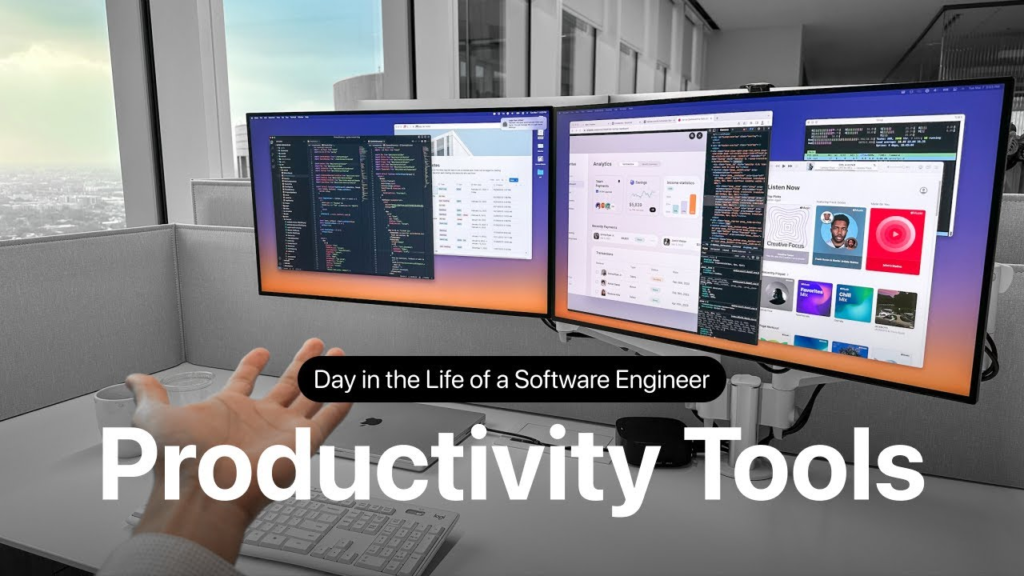
The table maps the most widely used productivity software examples by category, drawing on 2026 data from 6sense, Mordor Intelligence, and Statista. Tools like Notion and flexible workspace covering notes, wikis, and project tracking have become standard parts of modern stacks alongside traditional suites.
| Category | Leading Examples | Primary Use | 2026 Market Position |
| Instant Messaging | Slack, Microsoft Teams | Real-time team communication | Slack: 29.19% share |
| Office Suite | Microsoft 365, Google Workspace | Docs, email, AI features | MS365: 24.31% share |
| Video Conferencing | Zoom, Google Meet, Teams | Virtual meetings, screen sharing | Dominant in the US & EU |
| Project Management | Asana, Monday.com, Jira | Task tracking, timelines | Combined 100M+ users |
| Cloud Storage | Google Drive, OneDrive, Dropbox | File sharing, collaboration | Core infrastructure globally |
| Knowledge Management | Notion, Confluence, Coda | Wikis, docs, project hubs | Fast-growing segment |
| AI Productivity | MS Copilot, Google Gemini, Notion AI | Writing, summaries, analytics | Standard in 2026 suites |
| Spreadsheets | Excel, Google Sheets | Data analysis, financial models | Excel: dominant enterprise |
| Time Tracking | Toggl, Harvest, Clockify | Billable hours, productivity data | SMB & freelance standard |
Productivity Software in Real Workplaces: Three Scenarios
Scenario 1: Marketing Team: New York, London, Berlin
Fourteen people. Three time zones. Slack is where most of the day’s conversation happens. Google Workspace holds all documents, briefs, decks, and reports with simultaneous editing across time zones. Asana tracks every campaign deliverable: owner, deadline, and blocker. Zoom runs the Monday all-hands. Notion stores brand guidelines, retrospectives, and onboarding documentation. Every function that communicates, collaborates, coordinates, and creates has a clear home. Nobody wastes time figuring out where to find something.
Scenario 2: Consulting Firm: Paris and Frankfurt
A mid-size professional services firm under French and German regulatory frameworks has standardized on Microsoft 365 not just for features, but because Microsoft’s EU data residency options satisfy GDPR requirements that competing platforms cannot match. Teams handle project communication. SharePoint stores client files. Copilot AI drafts meeting summaries and generates first-draft report sections from notes. What previously took two analyst hours now takes twenty minutes. Firms building this kind of compliance-grade stack often engage specialist website development agencies in the USA with enterprise integration and cross-border regulatory experience.
Scenario 3: E-Commerce Startup: Manchester
Ten people. Notion is the entire central workspace product road map, meeting notes, SOPs, supplier contacts, brand wiki, all searchable in one place. Google Sheets handles inventory. Slack handles communication. Toggle tracks contractor hours. Total stack cost: under £150 per month. Five years ago, replicating this infrastructure would have required separate enterprise software contracts and a budget ten times the size.
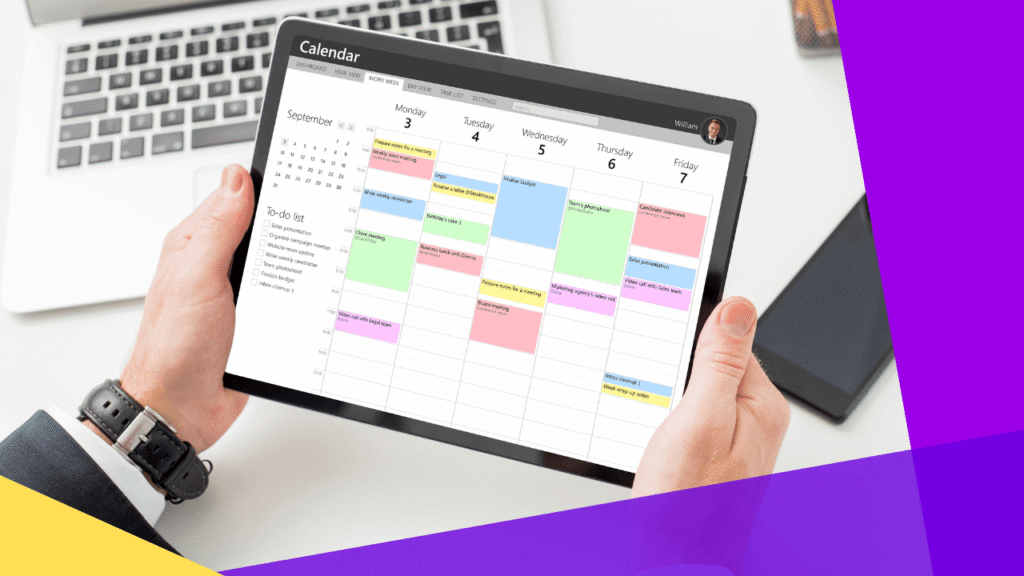
What Productivity Software Actually Delivers
Visibility Replaces Guesswork
Project management tools give managers something manual coordination cannot: a real-time view of project status, not a status email written three days ago, not a conversation about what someone thinks might be happening. An actual current picture. Tasks completed, tasks overdue, tasks at risk. That visibility eliminates the kind of deadline-miss nobody sees coming until it has already happened.
Faster Decisions, Less Overhead
Replacing a 30-minute meeting with a two-minute Slack thread is not trivial when it happens twenty times a week across a fifteen-person team. Asynchronous tools let distributed teams stay aligned without constant real-time coordination, particularly meaningful for teams spanning the US, UK, Australia, and Canada time zones.
AI Gains Are Measurable With a Caveat
AI features produce documented output improvements of up to 30 percent on writing-heavy and communication-heavy workflows. That figure comes from vendor research; read it with appropriate skepticism. But independent user surveys corroborate real-time savings on specific tasks, especially writing and meeting administration. The gains accrue to teams that actively integrate the features into their workflows. Simply having Copilot available and rarely using it produces nothing.
SMBs Are Catching Up Fast
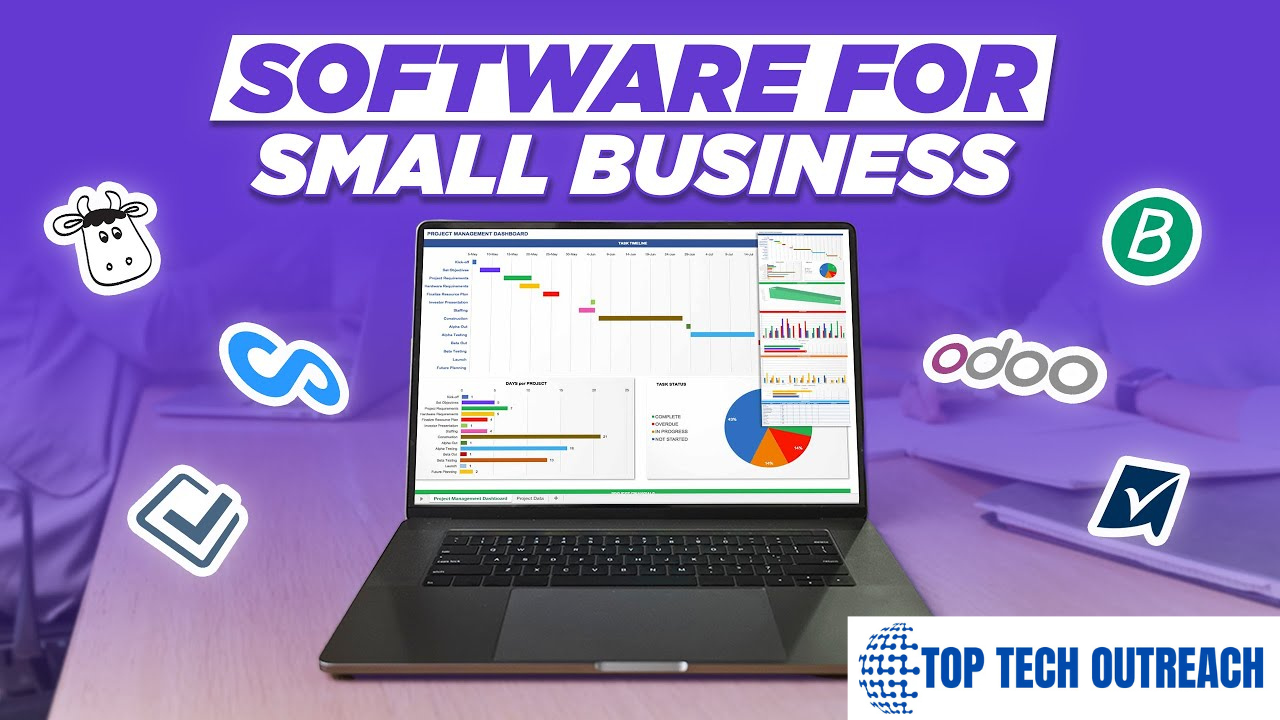
Around 70 percent of SMBs globally now use cloud-based productivity software, reporting average operational efficiency improvements of about 25 percent. Usage-based SaaS pricing removed the upfront licensing costs that historically made enterprise-grade tools inaccessible to smaller organizations. A ten-person startup in 2026 runs on the same collaboration infrastructure as a 10,000-person corporation for a fraction of what that once cost.
Global Market Differences: US, UK, France, Germany
The tools are broadly the same across markets. The constraints and preferences are not.
| Market | Dominant Platforms | Key Characteristic | Regulatory Note |
| United States | Microsoft 365, Slack, Google WS | Largest market — $41.6bn (2025) | CCPA compliance |
| United Kingdom | Microsoft 365, Slack | 2nd largest English-speaking market | UK GDPR post-Brexit |
| Germany | Microsoft 365, Nextcloud | Strong data sovereignty preference | Strict GDPR enforcement |
| France | Microsoft 365, Google WS | CNIL compliance a key driver | GDPR + CNIL oversight |
| Canada / Australia | Mirror of US stack | High cloud adoption rates | PIPEDA / APA frameworks |
Germany’s Datenschutzbehörden enforces GDPR with no real equivalent in English-speaking markets. German organizations routinely require EU-based data residency as a hard procurement condition, which is why Nextcloud, a German-origin open-source collaboration platform, holds meaningful German market share despite being barely visible in US or UK enterprise procurement.
France’s CNIL scrutinizes AI data processing particularly closely. If your organization uses AI-assisted productivity tools and development in France, and in 2026, most do you need explicit documentation of how those features handle employee and client data. That is an audit item, not fine print.
For the US, UK, Canada, and Australia, the landscape is considerably more uniform. Microsoft 365 and Google Workspace split large enterprises. Slack dominates tech-forward mid-size organizations. The drivers are company size and existing technology investments, not regulatory constraints.
How to Choose Productivity Software: Five Practical Steps
Step 01: Start With Pain, Not Features
What is actually broken in your workflow right now? Not what could theoretically improve what causes friction every week, slows decisions, or produces errors? That answer maps directly to a product category. Build from that problem outward, not from a feature list inward. Tools that solve real problems get adopted. Tools purchased for theoretical benefits become shelfware.
Step 02: Know Your Deployment Constraints First
Cloud deployments hold 71.31 percent of the 2025 productivity software market and are growing faster than on-premises. For most organizations, cloud-first is the default. The exception: organizations with strict data residency requirements, German and French enterprises, US healthcare under HIPAA, and financial services firms. Know your constraints before evaluating platforms, not after.
Step 03: Treat AI Capability as a Standard Requirement
In 2026, asking whether a productivity platform has AI features is the wrong question. The right questions: what AI features are native versus add-on, what subscription do they require, and how does the platform handle the data those features process? Copilot and Gemini are embedded at the suite level. Others charge separately. The distinction matters for budgeting and compliance.
Step 04: Check Integration Compatibility Rigorously
A tool that cannot connect to your existing email, calendar, CRM, or file storage creates friction rather than reducing it. Duplicate data entry, workaround spreadsheets, ‘just send me an email about it’ these defeat the purpose of any platform. Evaluate integration ecosystems as seriously as core features.
Step 05: Budget the Full Adoption Cost
Around 35 percent of SMEs cite upfront costs, licensing, training, and integration as the primary adoption barrier. The license price is rarely the whole story. Add onboarding time, workflow documentation, data migration, and the productivity dip during transition. Tools that are slightly cheaper but require significantly more management often cost more in total than the premium alternative.
Frequently Asked Questions
What is productivity software in plain terms?
Productivity software is any digital tool that helps people work more efficiently: word processors, spreadsheets, email clients, project management platforms, video conferencing tools, messaging apps, and AI assistants. If its purpose is helping someone do their job better, it qualifies.
What are the main examples of productivity software?
Most widely used examples of productivity software in 2026: Microsoft 365 (Word, Excel, PowerPoint, Teams, Copilot), Google Workspace (Docs, Sheets, Drive, Meet, Gemini), Slack, Zoom, Asana, Trello, Jira, Toggl, and Adobe Acrobat. The right combination depends on team size, industry, budget, and compliance requirements.
What is an everyday example of productivity software?
Most office workers use four to six productivity software examples before lunch without consciously categorizing any of them: Outlook or Gmail for email, Word or Google Docs for writing, Excel or Sheets for data, Slack or Teams for messaging, Zoom for calls, Asana or Trello for tracking tasks.
What is the most used productivity software in 2026?
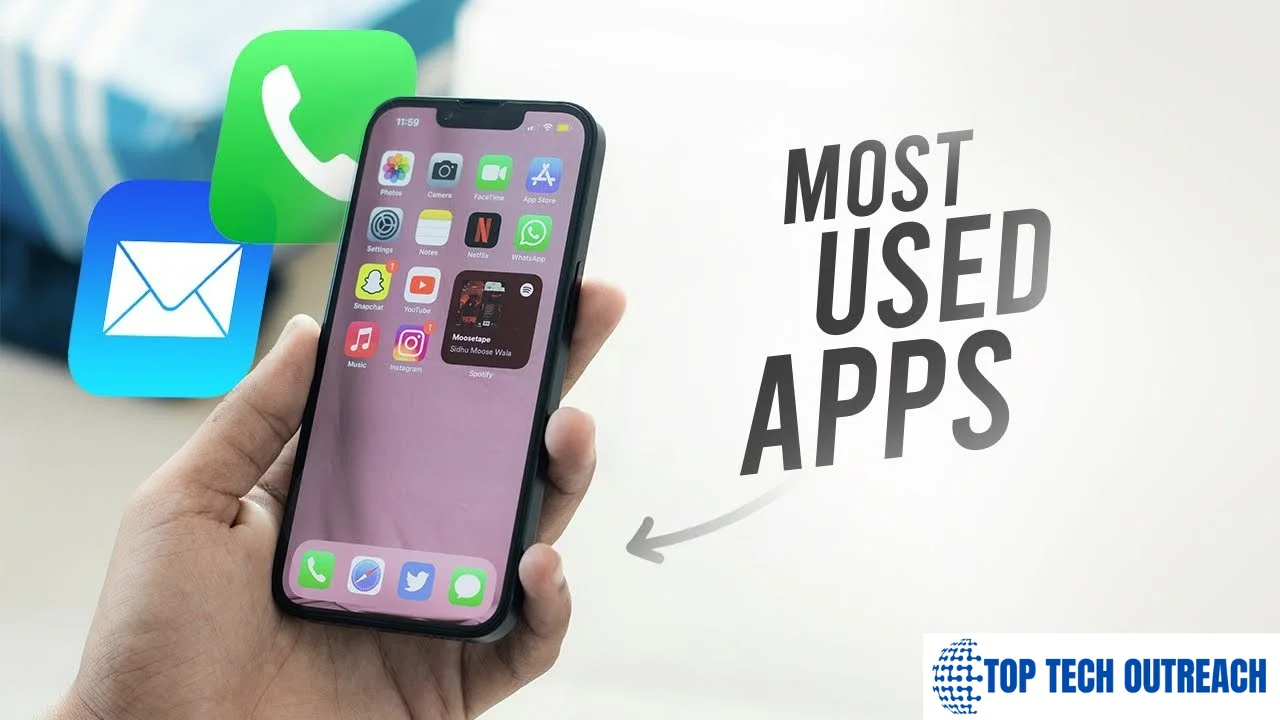
By standalone platform share: Slack at 29.19 percent, Microsoft Office 365 at 24.31 percent, and Google Docs at 9.73 percent. As a complete enterprise suite, Microsoft 365 has the broadest active user base globally. For a broader context on where productivity apps rank alongside social and finance apps, the most used apps in America data shows exactly how productivity software fits into the wider mobile ecosystem.
How has AI changed productivity software?
More than any other development in the past decade. Writing drafts, meeting summaries, smart scheduling, predictive task prioritization, these moved from experimental to standard between 2022 and 2026. Teams using them fully report up to 30 percent output gains on writing-heavy and communication-heavy work. The gains accrue to teams that actively integrate the features. Having Copilot available and rarely using it produces nothing.
Is productivity software suitable for small businesses?
Definitely yes. SMBs represent about 25 percent of the global productivity software market in 2026. Around 70 percent now use cloud-based tools, reporting meaningful efficiency improvements. Usage-based pricing has made enterprise-grade software accessible at small-business budgets. A team of eight runs on the same collaboration infrastructure as a team of eight hundred for a fraction of what it once cost.
Conclusion: The Real Answer to What Is Productivity Software
Productivity software is the infrastructure of modern work, not the strategy, not the people, the infrastructure. In 2026, the $110 billion global market reflects exactly what these tools deliver: real, compounding value across every English-speaking market and beyond.
Diagnose problems before purchasing. Treat AI as a baseline, not a bonus. Check compliance upfront. Invest in adoption like a project. Organizations that do this will not just work more efficiently. They will build capabilities that their competitors are still treating as logistics.